How to Build a Simple Filing System for Your Office
Shopping links: These links open Amazon search results. They are optional browsing suggestions, not verified product reviews or price/availability checks.
Build the system around a file you need to find
Choose one category of records and identify who should be able to retrieve it. A simple filing system can use suitable existing folders, a secure drawer and a short index rather than a new cabinet. This guide does not promise hours saved each week or describe a tested emergency-recovery system. Start with a small group and keep the work area usable, with private records protected from visitors, shared screens and unintended household access.
Review before sorting for destruction
Do not begin by putting all old papers into keep, shred and recycle piles under time pressure. Identify ownership, retention and active obligations first. Age, limited use or a digital copy does not automatically make an original disposable. Check the applicable authority, organization policy or qualified adviser for uncertain records. Preserve material required for a claim, dispute or other hold. This guide gives no universal legal retention schedule and does not replace record-specific advice.
Separate a task from its reference file
Use an action folder for papers needing a decision, reply or other step, with a responsible person and verified deadline where appropriate. Keep reference records separately in suitable categories. Moving an invoice into a folder does not pay it, and placing a form in an outbox does not establish delivery. Confirm important handoffs directly. An unresolved item can remain retained with a named next check rather than being forced through an immediate discard decision.

Choose names that support retrieval
Use plain words, relevant dates and project or household categories that the authorized users understand. Separate work and personal records when access or policy requires it. Avoid confidential details on visible labels. Color can supplement words but should not be the only way to distinguish a file. There is no required number of folders. Try retrieving one actual record before splitting the collection into many categories or buying a label maker.
Check physical storage and access
Use storage suitable for the record’s privacy and environmental needs. Keep heavy files low, drawers clear of walking routes and furniture assembled and anchored as instructed. Do not assume a portable document box is fireproof or waterproof. Limit access to sensitive originals without making retrieval impossible for the authorized person who needs them. A convenient open desk tray is not an appropriate default for identity, financial, health or confidential client records.
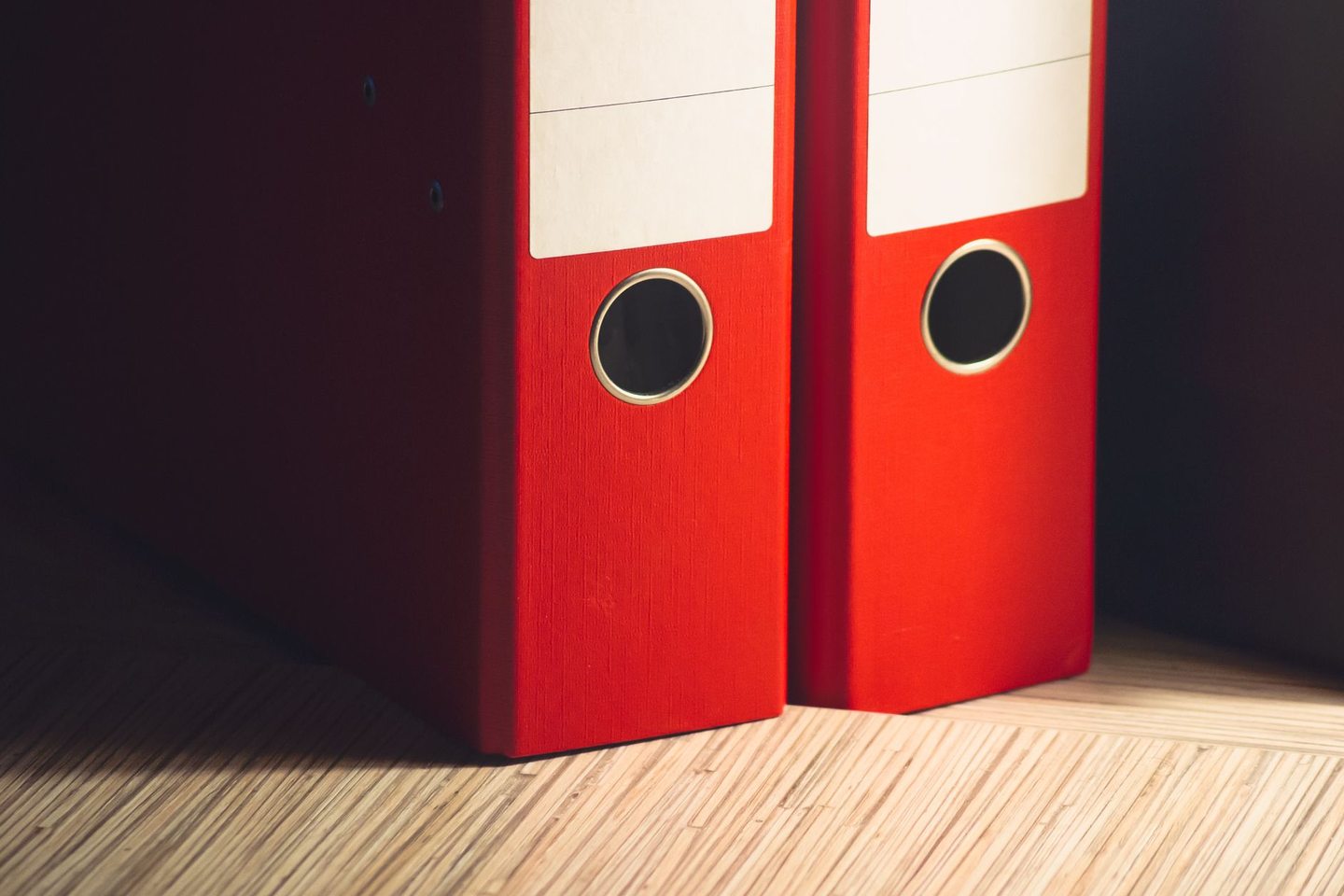
Create digital copies carefully
Check which originals must be kept and whether a receiving organization accepts the digital format. Use an approved scanning method for confidential information. Inspect readability, completeness, page order and relevant attachments, then open the saved file from its actual storage location. Name it meaningfully without exposing unnecessary private detail. A successful upload notification is not proof of a usable copy. Keep the original until its disposal is separately authorized and any applicable requirements have been satisfied.
Understand synchronization and backup limits
Check the account and sharing settings before storing private or work records. A synchronized folder can copy deletion or corruption to connected devices, so do not assume it is an independent backup. Use a suitable backup arrangement and test that a sample can be retrieved by an authorized person. Understand recovery periods and service limits. A digital copy does not necessarily replace an original certificate or create a complete plan for fire, flood, device loss or account lockout.

Give incoming papers a controlled review route
A small incoming folder can help if its purpose, owner and review point are clear. Sensitive originals may need secure storage immediately rather than waiting in an open basket. During a review, check active deadlines and unresolved retention before filing. A reminder is only a prompt, not evidence that an action was completed. Keep an appropriate secure-disposal route for records whose destruction is allowed, following equipment safety instructions where a shredder is used.
Test and adjust before expanding
Ask an authorized user to find a relevant record and explain where the next related paper belongs. Adjust the label, access or category that caused difficulty. Put private material and supplies away when done. The retained cable-box, desk-tray and monitor-stand searches are optional categories, not tested products or proof of suitability. Follow equipment ventilation, loading and stability instructions, and choose a suitable screen position. The finished system may be a few useful folders rather than more furniture.