Work from Home Organization Tips for Productivity
A work-from-home setup stays productive when the desk is clear, the tools you need are within reach and the work has a visible start and end. This guide covers the space, the surface, the paperwork and the routine. It is general advice, not a productivity study, so keep what suits your job.
Disclosure: These links open Amazon search results. They are optional browsing suggestions, not verified product reviews or price/availability checks.
Choose a spot with a clear boundary

If you cannot have a separate room, define a zone with a rug, a screen or just the same corner of a table every day. A fixed place helps your mind switch into work mode, and packing away at the end helps it switch out again. If you use the dining table, keep a lidded box for your gear so the table is free for meals.
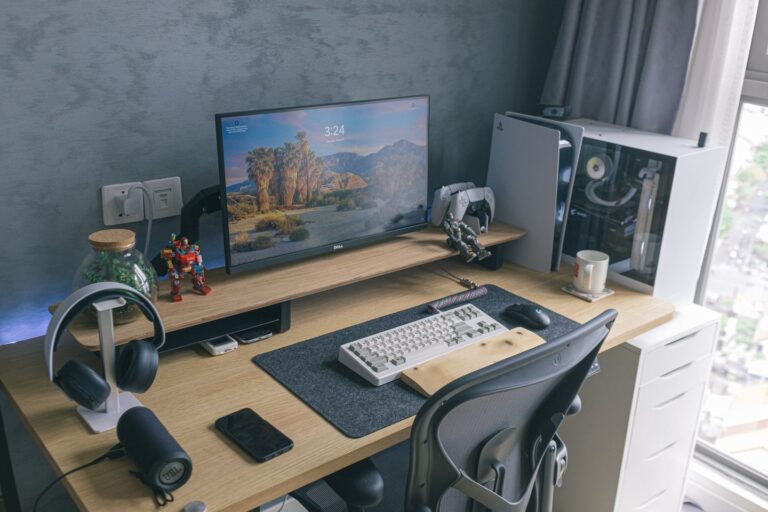
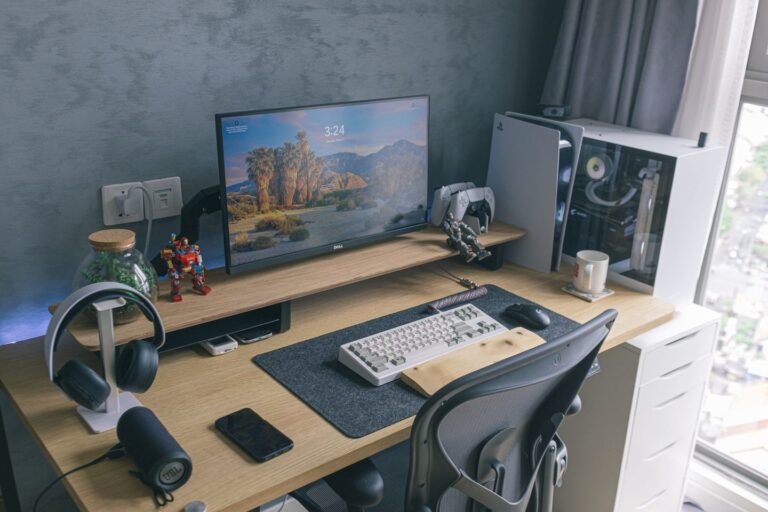
Clear the desk to a working minimum
Keep on the surface only what you use daily: laptop, notebook, a pen and a drink. Everything else goes in a drawer or tray. Check your desk at the end of each day and reset it in two minutes. A clear surface at 9 a.m. is a small win that is easy to repeat.
Set up for comfort and safety
Position the screen so the top is near eye level, keep your forearms level with the keyboard and take regular short breaks. A supportive chair matters more than a stylish one. These are common ergonomic guidelines, and an occupational health adviser can tailor them if you have pain. Keep cables out of walkways to avoid trips.
Handle paper with a three-tray system
Use three trays or folders: to do, to file and to shred or recycle. Process the to-file tray weekly. Scan documents you need only as a digital copy, and keep originals of anything legal or financial in a secure place. Shred papers with personal details instead of putting them in the bin.
Manage cables and chargers

Group charging cables in one dock or box. Label the ends of the ones that look alike. Use a power strip with a built-in surge protector if you plan to run several devices, and avoid daisy-chaining strips. Dust the area around the power supplies now and then.
Make digital files as tidy as the desk
Create a simple folder structure by client, project or year. Name files with a date and a short description. Back up important files to a second location, such as an external drive or a cloud service you trust, and test the restore once.
Build a start and end routine
Begin with a five-minute plan: list the three most important tasks. End by writing down where you stopped and clearing the desk. A routine lowers the chance of work spilling into evenings.
Questions people ask
How do you separate work and home in one room?
Use a dedicated bag or box for work items and put it away at the end of the day. A separate chair or a rug under the desk also helps mark the zone.
What are the most useful desk items?
A notepad, a good chair, a reliable light and a way to manage cables. Beyond that, buy only what solves a specific problem.
How often should you reorganise?
A two-minute daily reset and a monthly review of files and paper keeps the setup under control.
Amazon category searches
Optional browsing links. Check the specific listing, dimensions, materials, instructions, and current terms before buying.