How to Create a Family Command Center at Home
Shopping links: These links open Amazon search results. They are optional browsing suggestions, not verified product reviews or price/availability checks.
Start with the information people actually need
A family command center is a shared reference point for a few schedules, papers and handoffs. It can be a folder and a calendar rather than a wall installation. Choose one recurring problem, such as permission forms awaiting a signature, and decide who will maintain the information. This guide does not describe a tested household setup or promise time savings, better behavior or improved quality of life.
Choose a useful location without exposing private details
Use a place the intended household members can check without blocking a door or walking route. More visibility is not always better. A display seen by visitors or through a window should not show sensitive medical details, passwords, financial information, identity documents or children’s travel patterns unnecessarily. Keep private originals in suitable secure storage and show only the reminder needed for the task.
Use one calendar as the reference point
Choose paper or a shared digital calendar that the responsible people can access. Add confirmed dates from the school, venue or other source and identify who handles the next action. A calendar entry does not mean a person accepted transport or childcare responsibility. Confirm those handoffs directly. If more than one calendar is used, agree which is authoritative and how changes reach the other adults. Keep unconfirmed plans visibly separate.

Make a small paper process
Try incoming, needs an adult action and ready to file, using folders or trays already available. Assign an owner and a review point for the action folder. A bill or school form is not handled merely because it has moved out of the inbox. Check retention requirements before discarding important originals; a photograph is not automatically a substitute. Dispose of sensitive paper through an appropriate secure route rather than leaving it in an open recycling tray.
Keep display hardware suitable for the household
Magnets, pushpins, markers, batteries and other small parts need access controls suited to children and pets. Do not scatter them in a child-height tray. For a wall board or hooks, check the surface, load, fixings, rental requirements and maker’s installation instructions. Keep heavy bags off improvised hooks and avoid climbing invitations. A tabletop trial is useful only where it is stable and does not obstruct eating, work or walking routes.

Use names and words as well as color
Color can help some people, but it should not be the only way to identify an event or responsibility. Add names, initials or clear text and use readable sizing. Ask each intended user to find a relevant item and explain the next action. Adjust the layout if the task is unclear. A child can help with a suitable reminder without being made responsible for adult deadlines, confidential mail or arranging their own pickup.
Add a device only for a real need
A tablet is optional, not an inevitable upgrade after a few months. If a shared device is chosen, review account access, calendar-sharing permissions, screen visibility and who can change events. Keep private accounts and sensitive notifications off an exposed shared display when they are not needed. Charge and mount the device according to its instructions, with cords away from walkways and children’s reach. Do not assume connecting calendars creates agreement about a plan.

Agree a short review and a fallback
Choose a realistic time to check action items and remove completed reminders. Keep the live sources available for uncertain dates. Decide how urgent changes are communicated directly rather than expecting someone to notice a board update. If a person cannot use the chosen format, arrange another agreed route. A system maintained by one person can still be useful, but its workload and limits should be explicit rather than disguised as everyone’s responsibility.
Keep only what earns its place
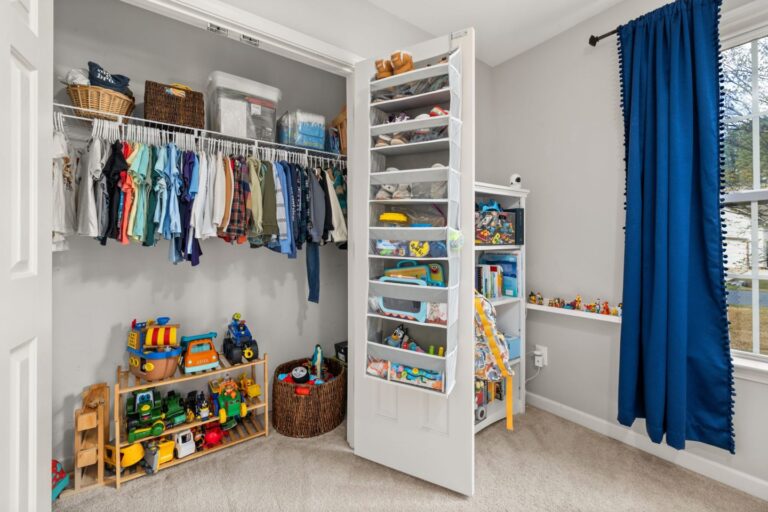
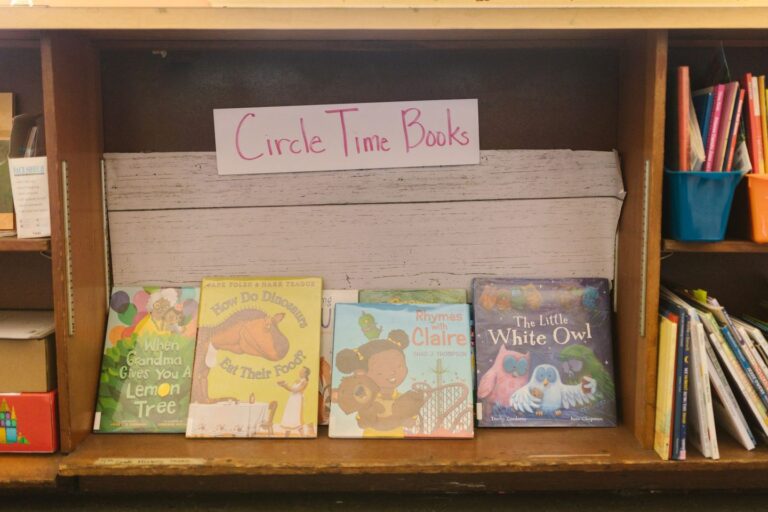
After a short trial, remove sections nobody uses and revise the one handoff that is still unclear. The retained toy-bin, bookshelf and wall-organizer searches are optional categories, not tested products or necessary equipment. Do not buy a wall system before checking what fits and what information should be displayed. One calendar and a clearly owned action folder may be enough. Keep private records private and use the shared space for the minimum useful reminder.